Let’s be real: posting on social media for your small business can feel like shouting into a void. You post, you wait, you refresh—crickets.
But here’s the truth: most small businesses don’t fail on social because they’re lazy or have bad products. They fail because they treat social media like a one-way megaphone, when it’s actually a dynamic marketplace. People aren’t just shopping—they’re scrolling, hanging out, and looking to connect.
What You Really Need: A Simple, Repeatable System
Imagine your social media like a café. You don’t change the entire menu daily—you keep your best items and rotate a few specials. Your content should work the same way.
Start with three basics:
Content formats you can maintain: Tips, customer testimonials, behind-the-scenes clips.
Posting rhythm: Even 2–3 posts a week works—if it’s consistent.
Signal awareness: Track what people like, share, save, or comment on.
Predictability > Perfection.
Table of Contents
The Core Moves Every Small Biz Needs
Unsplash
Not every trick will land for every team, but there are a few constants.
1. Figure out who you’re really talking to
The fastest way to kill momentum? Pretend everyone is your customer. They’re not. Write for someone specific—a 29-year-old professional in Pune hunting for a better coffee grinder, or a mom in Chicago looking for affordable eco-toys.
2. Think in series, not one-offs
Instead of dumping random posts, give yourself scaffolding: Tip Tuesday, Customer Spotlight Friday, whatever. These recurring formats keep you sane and, more importantly, they train the algorithm to know who likes your stuff.
3. Borrow the oldest trick in the book: social proof
Nobody wants to be first through the door of an empty restaurant. Same goes online. Reviews, testimonials, visible followers—these are the quiet cues that tell new people, “hey, this place is safe.” That’s why some folks lean on our social media growth services. Not as a crutch, but as that first spark of credibility when you’re starting from zero.
4. Tell stories instead of listing features
One more time for the people in back: features describe, stories connect. “We make soap with lavender oil” is fine. “A teacher told us she finally slept through the night after using our lavender soap” is magnetic.
Choose the Right Social Platforms for Your Business
Let’s start with a simple truth: you don’t need to be everywhere. You just need to be where your audience hangs out.
Ask yourself:
Where does your customer spend their time?
Are they shopping, networking, learning, or just relaxing?
Here’s a quick breakdown:
Platform
Best For
Use If…
Instagram
Visual storytelling, product marketing
You have a visually appealing brand
Facebook
Local reach, older demographics
You serve families or communities
TikTok
Viral growth, youth engagement
You target Gen Z or Millennials
LinkedIn
B2B marketing, professional services
You’re targeting business clients
Pinterest
DIY, fashion, home, lifestyle
You sell inspiration or design
Snapchat
Young audiences, quick offers
You want fast, casual engagement
Consider Your Industry
Certain industries naturally shine on specific platforms:
E-commerce or lifestyle? Instagram, Pinterest, and Facebook are gold.
Tech, consulting, B2B? LinkedIn is your home base.
Restaurants or local service providers? Facebook & Google My Business for trust; Instagram for visuals.
???? Tip: You don’t need to reinvent the wheel. Just focus on where your industry is already winning.
Understand People’s Behavior on Each Platform
Here’s a little insider secret: each platform has its own “vibe”—and content that works on one might flop on another.
Platform
People go there to…
Content that wins
Instagram
Be inspired, browse products
Stories, reels, carousels
Facebook
Catch up, find deals, join groups
Community posts, lives, ads
TikTok
Be entertained, discover new trends
Short, punchy videos
LinkedIn
Learn, connect, build credibility
Thought leadership, case studies
Snapchat
Chat, explore new offers casually
Flash promotions, fun filters
Get Your Brand Noticed With Social Listening
Think of social listening as putting your ear to the digital ground. It’s more than just “monitoring comments”—it’s about understanding the conversations around your brand, competitors, and industry.
Why It Matters
Imagine walking into a party where everyone’s talking about your product—but you’re not listening. You’d miss:
Hidden praise you could amplify
Criticism you could fix
Questions you could answer
Opportunities to engage with your dream customers
Brands that listen grow smarter and more trusted. You don’t just push content—you respond to what people actually care about.
Purpose
Example Scenario
Action You Can Take
Track brand mentions
Someone tweets “Anyone tried [your product]?”
Jump in with a helpful, non-salesy reply
Spot industry trends
People start raving about a new ingredient/tool
Create content around it or test new offers
Monitor competitors
Your rival gets heat for bad service
Use it to highlight your great customer care
Find UGC opportunities
A customer tags you using your product
Re-share it, ask for a testimonial
Discover pain points
People complain about slow delivery in your niche
Adjust your messaging or logistics
Top Tools for Social Listening (With Use-Cases)
1. Brand24
???? What it does: Tracks mentions of your brand, keywords, or competitors across social media, blogs, forums, and news.
✅ Use it to: Set alerts for your brand name or industry topics. Perfect for SMBs.
2. Hootsuite Streams
???? What it does: Monitor hashtags, keywords, and mentions across Twitter, Instagram, Facebook, and LinkedIn.
✅ Use it to: Respond in real-time without switching apps. Great for multi-platform workflows.
3. Sprout Social
???? What it does: Offers deeper sentiment analysis and brand health monitoring.
✅ Use it to: Track customer sentiment and tweak messaging over time.
How to Sell Directly Through Social Media Platforms
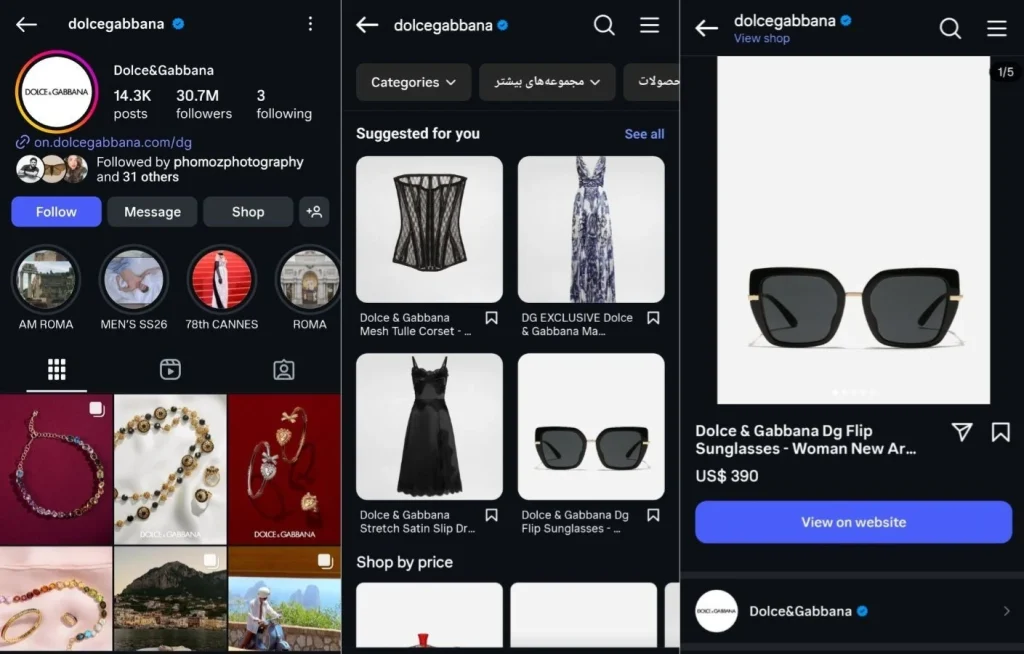
Instagram, Facebook, Pinterest, and even TikTok now allow in-platform shopping. You can tag products, run shop ads, and check out without users ever leaving the app.
Set up your:
Instagram Shop: Link your catalog and tag products in posts and Reels.
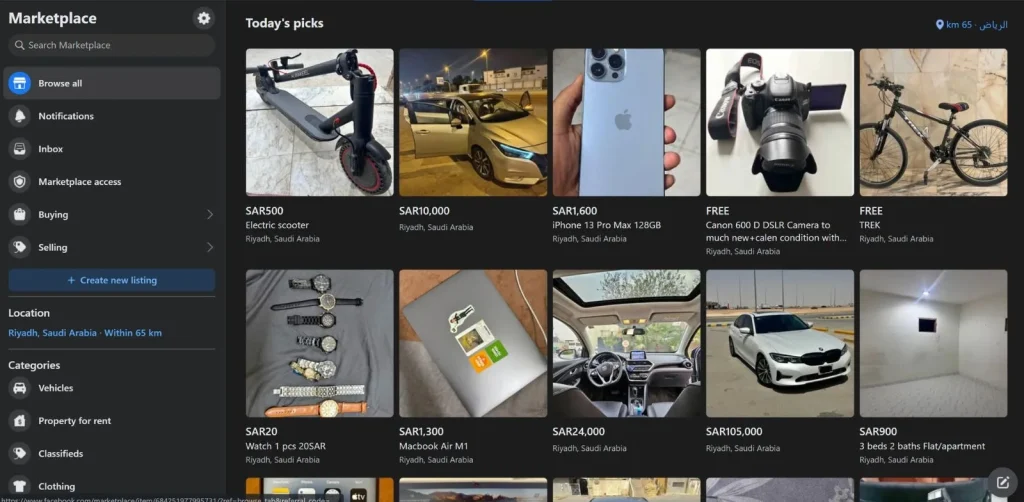
Facebook Shop: Ideal for small businesses selling multiple SKUs.
Pinterest Product Pins: Great for product discovery.
TikTok Shop: Exploding in popularity for impulse buys.
???? Tools to simplify setup:
Shopify – Easily integrates with all major platforms
Make.com – Automate DMs, follow-ups, or post scheduling
How to Sell on Facebook?
Strategy Step-by-Step:
Set Up a Facebook Shop
Integrate via Shopify or Meta Business Suite.
Organize your product catalog and add real images.
Use Facebook Groups
Create or join niche groups related to your industry.
Share helpful content—not just promotions.
Post Social Proof Regularly
Share user-generated content (with permission).
Screenshot and share positive comments, reviews, or DMs.
Boost Top Posts
Identify posts with high organic reach and engagement.
Boost with a small budget to increase visibility.
Use Live Video + Offers
Go Live with demos or sales.
Drop time-sensitive promo codes.
Step-by-Step Strategy on How to Sell on Snapchat
Create a Business Account via Snapchat Ads Manager
Set up your Snap Pixel to track conversions.
Use Vertical, Full-Screen Creative
Make native-feeling, fast-paced videos.
Use playful text overlays, emojis, and sound.
Run Limited-Time Promos
Flash sales and countdown timers create urgency.
Use “Swipe Up” links to lead to landing pages.
Add AR Filters
Partner with creators or use Lens Studio to build a filter featuring your product.
Retarget with Story Ads
Show follow-up content to those who viewed but didn’t buy.
How to Convert B2B Clients on LinkedIn
LinkedIn is where decision-makers live. Here’s how to turn cold connections into clients:
1. Craft a Magnetic LinkedIn Profile
Your profile is your landing page. Before messaging anyone, make sure your profile clearly communicates:
Who you help and how you help them
A headline that speaks to your audience’s needs, not just your title
A banner image with a message or value proposition
A concise, benefit-driven About section that highlights your experience and credibility
At least one featured post or case study that proves results or expertise
2. Post Value-First Content Consistently
You don’t need to go viral—just show up with useful insights. Aim to post 2–3 times per week. Rotate through these types of content:
Educational tips that solve common pain points in your niche
Short stories showcasing how you’ve helped clients
Industry observations and thoughtful opinions
Mini-case studies with measurable results
Personal reflections that show authenticity and leadership
Keep it simple, visual when possible, and focused on sparking conversation.
3. Engage Authentically with Decision Makers
LinkedIn isn’t a cold-pitch battlefield. It’s a place to build relationships. Here’s how:
Leave genuine comments on your ideal clients’ posts
Personalize connection requests with a reason to connect
After connecting, send a non-salesy message—ask a question, share a relevant insight, or acknowledge their work
Start real conversations, not automated pitches
Engagement builds visibility, trust, and eventually leads.
4. Use Content to Attract Leads Organically
Rather than chasing people with DMs, pull them in by making your content a magnet. You can do this by:
Including a soft call to action in your posts (e.g., “Let me know if you’d like the checklist”)
Sharing downloadable resources directly in posts (like a free guide or template)
Mentioning success stories that resonate with your target market
Once people engage or request something, you can follow up and nurture the conversation naturally.
5. Monitor What’s Working and Refine
After a few weeks of consistent posting and engagement:
Look at which posts got the most engagement or profile views
Notice who’s commenting, liking, or visiting your profile
Reflect on which connection messages started real conversations
Double down on the formats and topics that resonate most with your audience
The price of doing nothing
Here’s the uncomfortable truth. Choosing not to bother with social media isn’t neutral—it’s expensive.
Almost 80% of shoppers now find new products on social media before searching anywhere else.
Competitors who show up consistently will feel more trustworthy than you, even if your product is better.
An inactive profile gives off the whiff of “closed business.”
Silence online is read as absence in real life.
Can you mix organic growth with boosts?
People ask this all the time. Should I just grow “naturally”?
Option one: do everything organically. It’s honest, but painfully slow.
Option two: pour money into ads. Works fast, drains your budget.
Option three (the one that usually makes sense): do both. Create content that feels true to your brand, then add small boosts—reviews, collaborations, even credibility services like BuyRealFollows. Think of it like priming a pump. Once the water’s flowing, you can ease up.
Mistakes that trip people up
Chasing virality like it’s a lottery ticket. Viral content doesn’t matter if the wrong crowd sees it.
Posting in a panic. More posts don’t equal more trust. Rhythm beats randomness.
Ignoring the data. Engagement numbers are your compass. Throwing content out without looking at results is just expensive guesswork.
What “good” looks like right now
If you’re wondering what’s working in 2025, it’s this:
Short, vertical video—real, not polished.
Replies and actual conversations, not ghosting your comments.
Showing up in more than one place, since audiences spread out across apps.
Good doesn’t mean slick. It means alive.
Why credibility outranks content
Here’s the kicker: you can make gorgeous, thoughtful posts and still flop if nobody trusts you. It’s the restaurant metaphor again—empty tables spook people.
Credibility shows up in three places:
Follower count (it signals “other people are already here”).
Real engagement (likes and comments that aren’t ghost-town quiet).
Showing up consistently over time.
That’s why some business owners quietly pad their numbers at the start. It’s not about tricking people. It’s about not looking invisible while you’re building something real.
The hidden system nobody talks about
Social media isn’t just marketing anymore. It’s scaffolding.
For a small business, your profile is the storefront window. It’s how you’re discovered, how you’re trusted, how your reputation circulates. Ignore that and you’re effectively locking the shop door during business hours.
Social Media Automation Tools
Tool Name
Best For
What It Does
Metricool
Content planning & analytics
Schedule posts, analyze engagement, track hashtags across all major platforms
Make.com
Workflow automation
Automate repetitive social media actions (posting, tagging, responses) across tools and platforms
GoHighLevel
All-in-one client automation
Automate lead generation, follow-ups, SMS/email campaigns, funnels, and CRM for agency clients
Later
Visual planning & publishing
Great for Instagram-heavy brands; drag-and-drop planner and story scheduling
Buffer
Easy scheduling & engagement
Schedule, post, and reply to comments from a single dashboard
Hootsuite
Multi-platform management
Schedule, monitor, and report across multiple platforms from one interface
Zapier
App-to-app automation
Connect your social media tools with CRMs, email platforms, Google Sheets, and more
SocialBee
Content recycling & AI content
Ideal for evergreen posts, category-based scheduling, and growing social presence with less effort
Publer
Bulk scheduling
Upload and schedule large batches of posts, ideal for agencies with multiple clients
Sprout Social
Enterprise-level insights
Advanced social listening, customer care inbox, and campaign-level reporting
Ready to Put Your Social Media Playbook into Action?
Success on social media doesn’t come from guesswork—it comes from having a simple, repeatable system tailored to your business and audience. You don’t need to be everywhere or post constantly. You just need to show up with purpose, consistency, and content that speaks to the people you’re here to serve.
Your social media playbook is your strategy guide. Use it to plan smarter, post with intention, and grow in ways that actually support your goals. Whether you’re just starting or refining your presence, remember: steady beats viral, value beats volume, and clarity beats complexity.
So take what you’ve learned—choose your platforms, stick to your rhythm, keep learning from your audience—and keep going. Your digital storefront is open. Now it’s time to make it thrive.
Verified Author
Written by
Mark A . Johnson
Mark A. Johnson is a social media growth strategist and content lead at BuyRealFollows.com. With over a decade of experience in platform research and digital marketing, he helps brands and creators build real audiences on Instagram, YouTube, TikTok, Facebook, and Spotify. His work focuses on algorithm analysis, engagement mechanics, and social proof strategy. Mark writes practical, research-backed guides to help readers grow their presence with confidence.
WHAT YOU'LL LEARN IN THIS GUIDEWhat separates a safe TikTok follower provider from one that risks your accountThe five criteria every reliable TikTok follower site must meet in 2026How BuyRealFollows,…
WHAT YOU'LL LEARN IN THIS GUIDEWhy your Facebook page has no engagement and what the algorithm actually prioritizes in 2026The four specific signals Facebook uses to decide which posts to…
WHAT YOU'LL LEARN IN THIS GUIDEWhy most bought TikTok views drop or disappear within days and what causes itThe specific signals TikTok uses to validate views as real versus artificialWhat…
WHAT YOU'LL LEARN IN THIS GUIDEThe real differences between Twicsy and BuyRealFollows across follower quality, pricing, and platform coverageHow Twicsy's three-tier follower system (High-quality, Active, VIP) compares to BuyRealFollows' approachWhich…
WHAT YOU'LL LEARN IN THIS GUIDEWhat SocialWick is and how it differs from BuyRealFollows in platform scope and pricingSocialWick's 15+ platform catalog versus BuyRealFollows' focused 5-platform modelA verified pricing comparison…