If you’re spending time—or money—on Facebook marketing, you need to know what’s working and what’s wasting your effort. In 2025, the difference between a “popular” post and a profitable one comes down to analytics. Not vanity metrics. Not vibes. Real data.
This guide breaks down 11 of the best Facebook analytics tools that help you track, interpret, and act on your Facebook performance. From Meta’s built-in dashboards to third-party powerhouses, these tools show you what’s actually driving clicks, conversions, and community.
Table of Contents
Why Bother With Analytics Anyway?
Think of Facebook like a noisy marketplace. Sellers shouting, musicians playing, people bumping into you with ads disguised as stories. How do you know if your little stall is even visible in the chaos?
Analytics is the quiet notebook you keep under the counter. It tells you which customers stop, what they glance at, and who actually buys. Without it, you’re just yelling into the void and hoping someone hears.
And look, if you’re boosting your visibility, our Facebook growth service gives your profile an initial boost—something that creates momentum while keeping things credible—analytics is how you verify if that visibility is leading to real traction, not just inflated numbers.
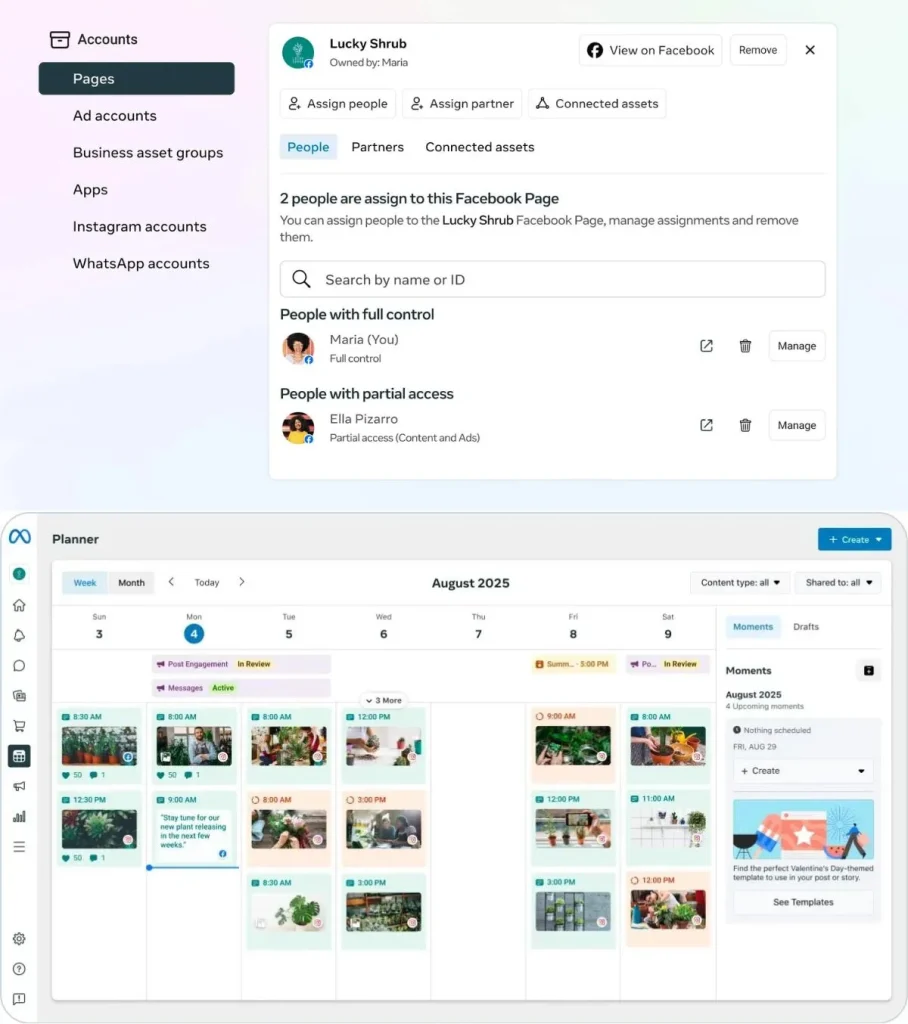
Tool #1: Meta Business Suite Insights
Meta
The “official” version. If Facebook had a black box flight recorder, this would be it. Reach, impressions, demographics, engagement—all the basics, no frills.
Why you need it? Because no matter what fancy tool you layer on top, this is the raw feed. The stuff Facebook itself believes about your content.
For video creators, this is the secret map. It shows when people hit play, when they bail, and whether ads are putting coins in your pocket.
Pro tip: Watch those drop-off curves. They’re brutally honest storytelling lessons. If people are gone after 8 seconds, it’s not the algorithm—it’s you.
Tool #3: Sprout Social
Sprout Social
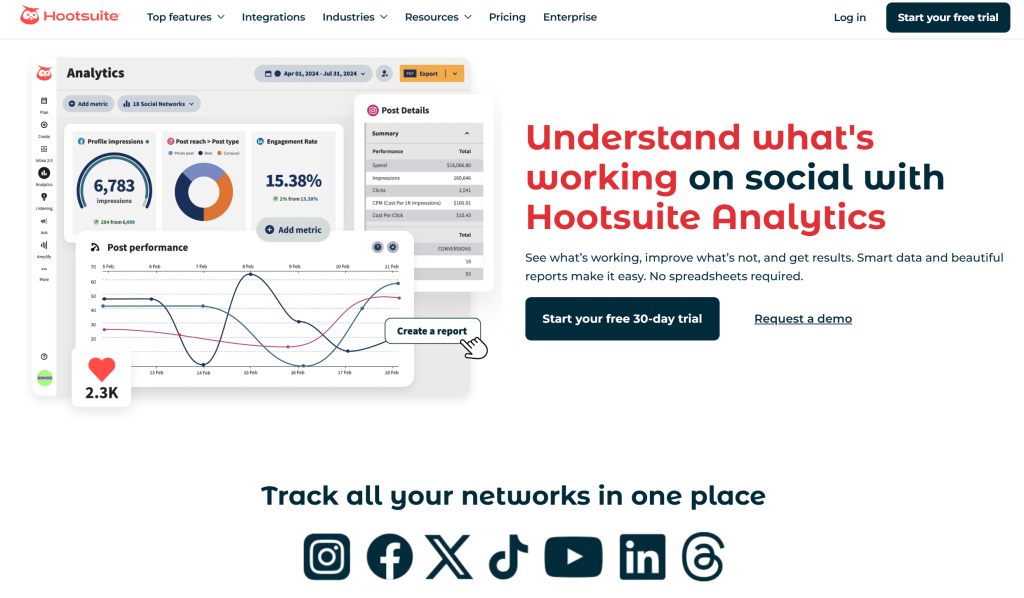
This is like going from your notebook to a corporate war room. Sprout handles not just Facebook but your entire social fleet—Twitter, LinkedIn, Instagram—all in tidy dashboards.
Agencies love it because you can export slick reports. But even solo creators can use it to benchmark against competitors and get a sense of, “Am I really growing, or just fooling myself?”
Where it shines: pulling data across multiple platforms so you can see patterns. You’ll spot that your Facebook posts do better on Sundays, your LinkedIn posts on Tuesdays, and your TikToks… well, who knows, TikTok is chaos.
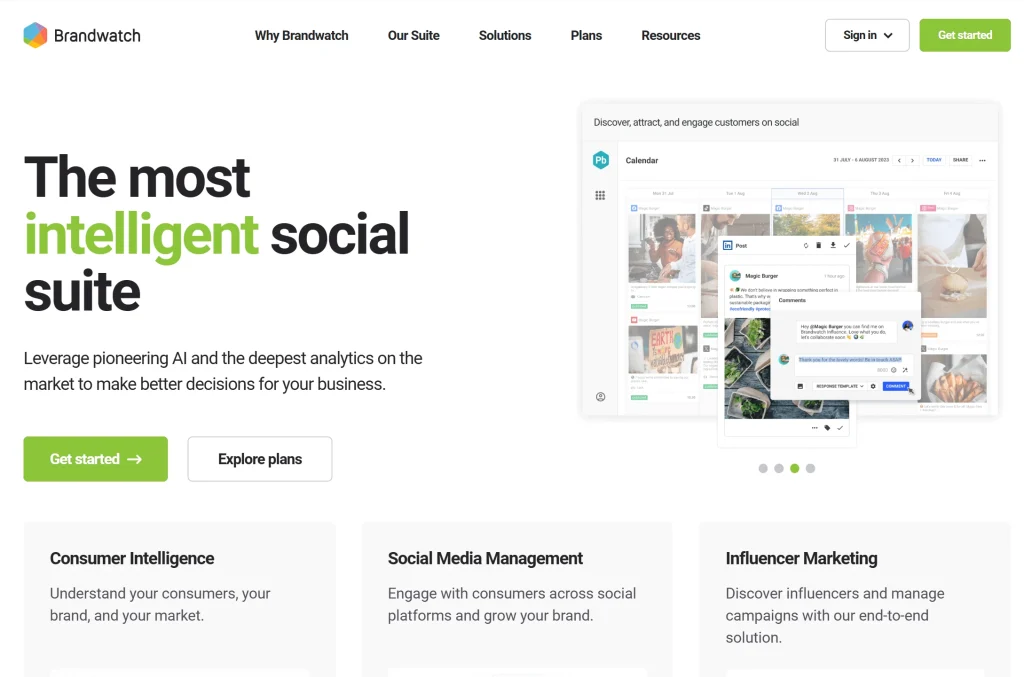
Not your average numbers tool. Brandwatch cares about feelings.
It doesn’t just count likes; it tells you whether those likes came with love or with eye rolls. That’s sentiment analysis, and it matters if you’re building a brand that people actually trust.
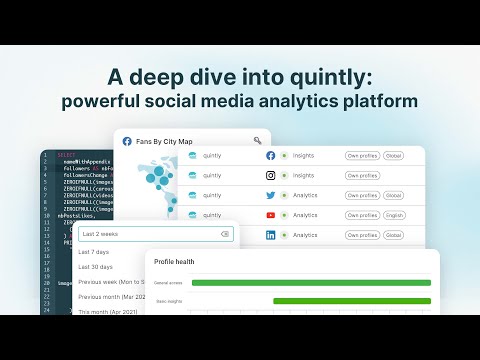
This one’s for the spreadsheet junkies. If you want granular KPIs, custom dashboards, or to connect via API for deeper data pulls, Quintly is where you play.
It’s not sexy. But it’s the tool analysts quietly swear by when they want control over every data point.
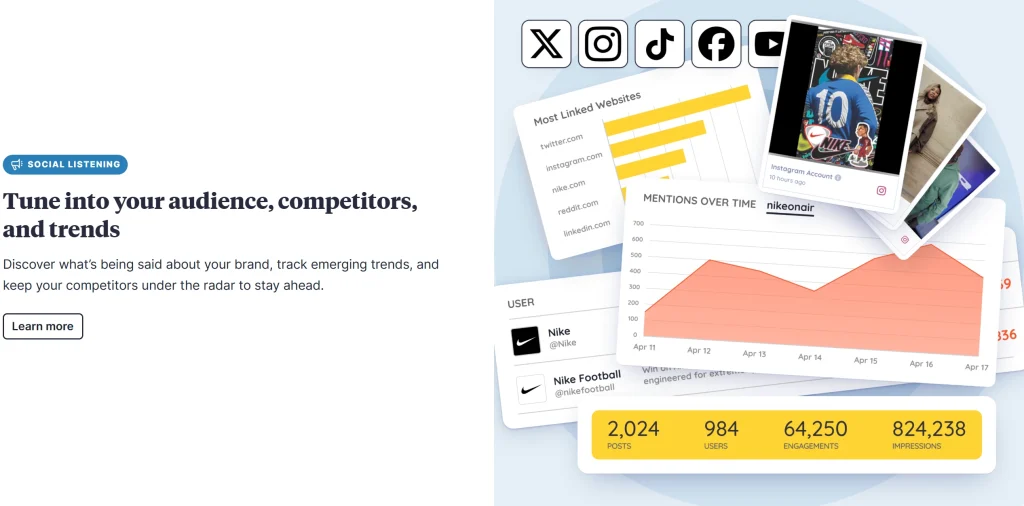
If you’re running hashtags or events, Keyhole is a lifesaver. It shows traction in real time. You don’t have to wait for the Monday morning report to know if your campaign is catching fire or fizzling.
Think of it as the smoke alarm for your campaigns.
Not strictly “Facebook,” but if you want to know what’s trending across the internet, BuzzSumo’s gold.
You’ll see which topics are blowing up elsewhere, which often translates into Facebook performance too. It’s like peeking into the cultural tide before you paddle out.
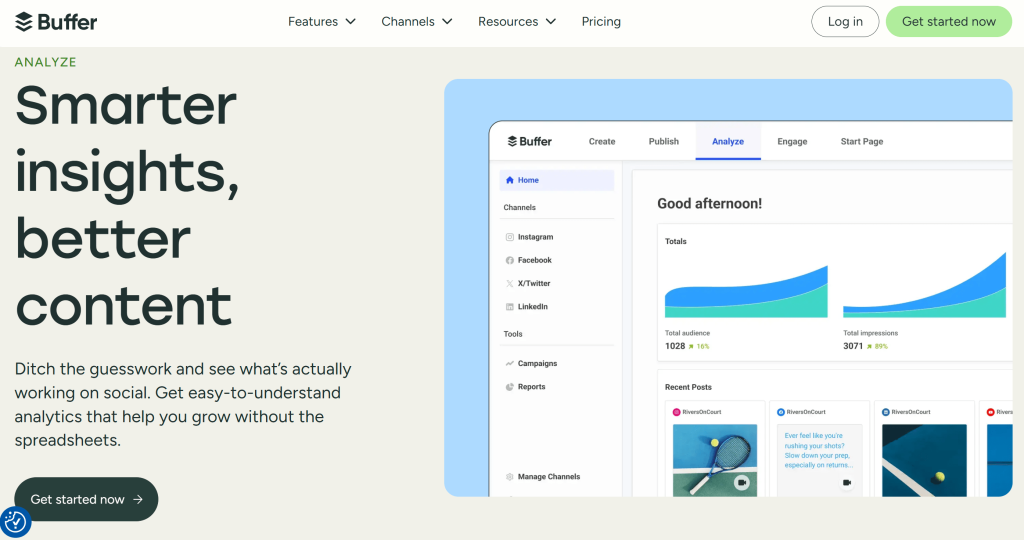
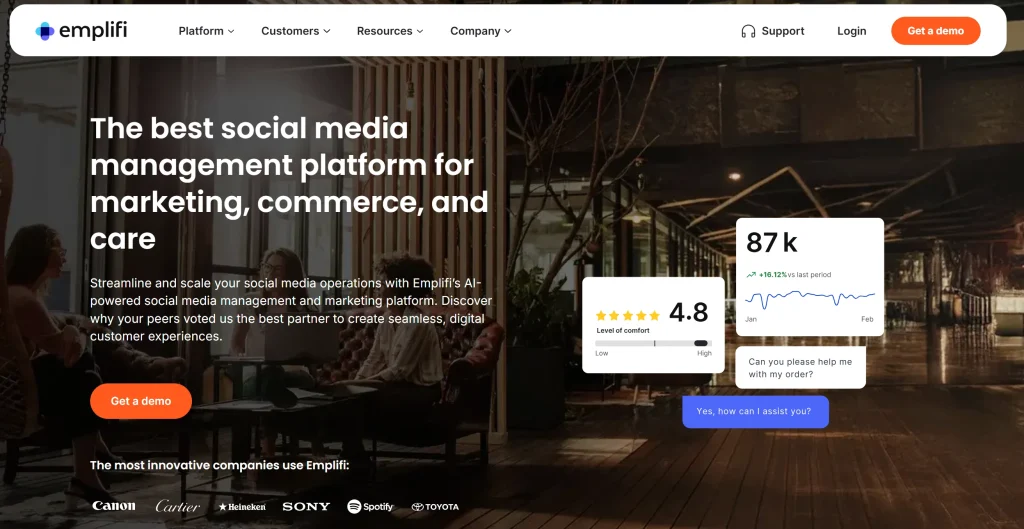
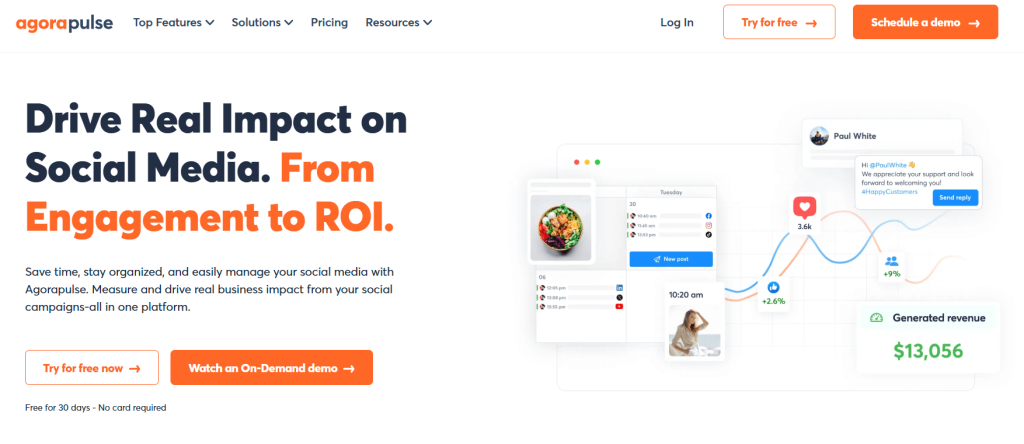
Solo creators? Buffer, Agorapulse, or just Meta Insights.
Agencies? Sprout Social, Hootsuite, or Brandwatch.
Data geeks? Quintly all the way.
Trend chasers? BuzzSumo and Keyhole.
Don’t overcomplicate it. Start with one, learn its quirks, and only then layer in others.
The Bigger Picture: What Analytics Really Tells You
Numbers are nice, but they’re not the point. The point is the pattern.
Spikes in engagement? That’s the story your audience loved.
Drops in reach? A nudge to adjust timing or format.
Steady saves and shares? Proof of long-term trust.
Pair those signals with momentum with our Facebook growth services, and suddenly you’re not just “posting”—you’re building credibility.
Real Life Case Study: Tiffany & Co.’s “Believe in Love” Campaign
Snapshot
J&Co Jewellery, an international jewelry brand, leveraged Meta Advantage+ Shopping campaigns across multiple countries and achieved a 13% increase in Return on Ad Spend (ROAS).
Why It Matters
Scalable Model: This isn’t a one-off victory. Well‑executed, data‑driven campaigns like this are replicable across similar businesses.
Measurable Improvement: The campaign didn’t deliver flashy likes—it delivered real improvement in profitability.
Clear Strategic Impact: By using advanced commerce tools from Meta, the brand fine‑tuned its ad audience and creative strategy for better efficiency.
Final Thought
In 2025, Facebook analytics tools aren’t just measuring sticks. They’re mirrors—showing you not just how many people look, but why they stay, why they share, why they trust.
Here’s the line to remember:
Followers notice you. Analytics explains you.
Frequently Asked Questions
Does Facebook still offer its own native analytics tool?
Yes, but in a more limited form than before. Facebook removed Facebook Analytics (the dedicated analytics product) in 2021. Native analytics are now available through Meta Business Suite Insights and Facebook Page Insights, which cover reach, engagement, audience demographics, and ad performance for Pages and connected accounts. For deeper data beyond these native tools, third-party tools remain necessary.
What is the best free Facebook analytics tool in 2026?
Meta Business Suite Insights is the best free option as it is built directly into Facebook and provides reach, engagement, follower growth, and content performance data at no cost. Among third-party tools, Metricool and Buffer both offer free tiers that include Facebook Page analytics alongside scheduling. These are the most capable free options for individual creators and small businesses.
How do I track Facebook post reach without a paid tool?
Facebook Page Insights (accessible via your Page, then the Insights tab) shows organic and paid reach for every post at no cost. Meta Business Suite provides a more visual dashboard for the same data. For each individual post, clicking View Insights directly beneath it shows reach, engagement, clicks, and reactions broken down without any third-party tool required.
What metrics should I track to measure Facebook marketing success?
The core metrics to track are reach (how many unique accounts saw your content), engagement rate (interactions divided by reach), link clicks (traffic driven to external URLs), page follower growth rate, and video completion rate for video content. For ad campaigns, cost per click (CPC) and cost per result (CPR) are the primary efficiency metrics. Vanity metrics like total likes matter less than engagement rate and traffic generated.
Can Facebook analytics tools track competitor pages?
Native Facebook tools do not allow competitor tracking. Third-party tools like Metricool, Rival IQ, and Sprout Social include competitor benchmarking features that track public data from competitor Facebook Pages – including their posting frequency, average engagement, follower growth, and top-performing content types. These tools pull publicly visible data only; private metrics are not accessible.
How often should I check my Facebook analytics?
Weekly reviews are sufficient for most Page managers – checking reach, engagement rate, and top-performing posts from the past seven days to inform the following week’s content. Monthly reviews should include follower growth trends, content format performance (video vs. image vs. link posts), and audience demographic shifts. Ad campaigns warrant daily or near-daily checks during active spending to catch underperforming ad sets early.
Do Facebook analytics tools work for Facebook Groups as well as Pages?
Native analytics for Facebook Groups are available via the Group Insights section inside Facebook (accessible to Group admins). Most third-party Facebook analytics tools are designed for Pages rather than Groups, as the Meta API provides much more limited data access for Groups. Sprout Social and Hootsuite have partial Group support, but Group analytics remain more limited than Page analytics across most platforms.
What is a good engagement rate on Facebook in 2026?
The average organic engagement rate on Facebook for Pages sits between 0.5% and 1.5% of reach, varying by industry and content type. Video content typically earns the highest engagement rates (2-4%), while link posts tend to be the lowest (under 0.5%). An engagement rate above 1% is considered solid for most business Pages. Creator and community Pages with highly engaged niche audiences often see rates of 3-5% or higher.
Verified Author
Written by
Mark A . Johnson
Mark A. Johnson is a social media growth strategist and content lead at BuyRealFollows.com. With over a decade of experience in platform research and digital marketing, he helps brands and creators build real audiences on Instagram, YouTube, TikTok, Facebook, and Spotify. His work focuses on algorithm analysis, engagement mechanics, and social proof strategy. Mark writes practical, research-backed guides to help readers grow their presence with confidence.
WHAT YOU'LL LEARN IN THIS GUIDEWhat separates a safe TikTok follower provider from one that risks your accountThe five criteria every reliable TikTok follower site must meet in 2026How BuyRealFollows,…
WHAT YOU'LL LEARN IN THIS GUIDEWhy your Facebook page has no engagement and what the algorithm actually prioritizes in 2026The four specific signals Facebook uses to decide which posts to…
WHAT YOU'LL LEARN IN THIS GUIDEWhy most bought TikTok views drop or disappear within days and what causes itThe specific signals TikTok uses to validate views as real versus artificialWhat…
WHAT YOU'LL LEARN IN THIS GUIDEThe real differences between Twicsy and BuyRealFollows across follower quality, pricing, and platform coverageHow Twicsy's three-tier follower system (High-quality, Active, VIP) compares to BuyRealFollows' approachWhich…
WHAT YOU'LL LEARN IN THIS GUIDEWhat SocialWick is and how it differs from BuyRealFollows in platform scope and pricingSocialWick's 15+ platform catalog versus BuyRealFollows' focused 5-platform modelA verified pricing comparison…