You’ve probably noticed this already: the people who consistently win on Instagram don’t just wing it. They’ve got a toolkit, and half the time that toolkit lives in their phone. Apps aren’t the magic trick, but they’re the scaffolding—the quiet background machinery that lets the actual creative stuff happen.
So, if you’re tired of your feed looking like it was cobbled together in a rush (because, well, it probably was), here’s the lineup of apps that can give your content that “how did they make this?” edge.
So, here are 22 Instagram Apps for Creating Content
Table of Contents
Why Apps Still Matter (Even When AI Is Running the Show)
AI feels like it’s everywhere—writing captions, editing photos, whispering suggestions you didn’t ask for. And yet, the simple truth? Apps still matter.
Because you can’t outsource taste.
What these apps really do is reduce friction. They take the boring, fiddly parts of content creation and clear them out of your way. Suddenly, your energy is free to go where it should have been in the first place: the idea, the story, the hook. And on Instagram, the algorithm rewards that consistency more than anything else.
Photo Editing Apps That Keep Your Grid From Looking Flat
Lightroom Mobile– Basically Photoshop’s nimble little sibling. The presets give your photos that curated, consistent vibe people subconsciously associate with “quality.”
VSCO– If your feed feels lifeless, VSCO’s film-like filters have a way of injecting mood and nostalgia into otherwise plain shots. Think “coffee shop window on a rainy day” vibes.
Snapseed– Free, surprisingly powerful, and a lifesaver for those tiny touch-ups that can ruin or rescue a post.
Video Editing Instagram Apps That Make Reels Actually Watchable
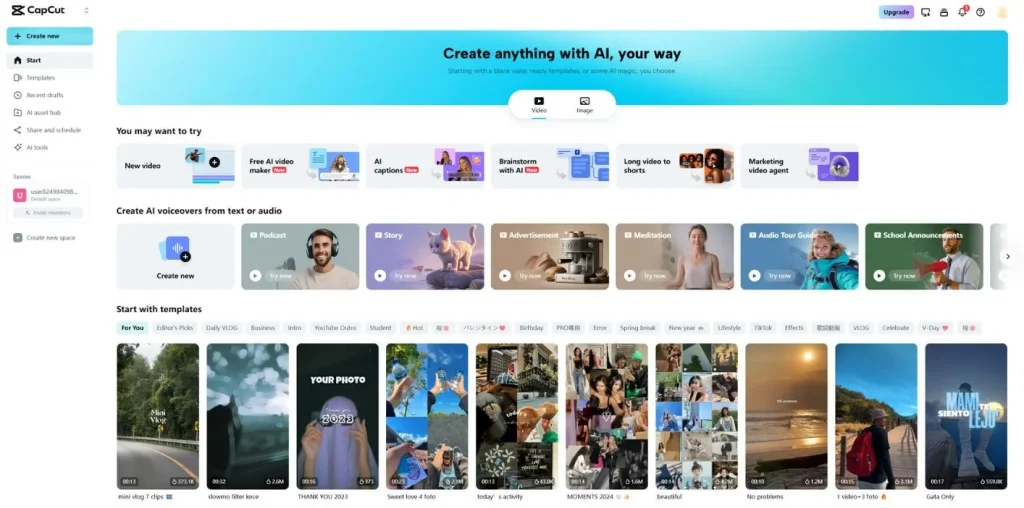
CapCut
Reels are the real stage now. Miss that boat and you’re invisible.
CapCut – Easy to use, endlessly adaptable. The built-in templates and trending audio practically set you up for viral potential.
InShot – For creators who want quick resizing, speed adjustments, and overlays without fighting a complicated interface.
Splice – A little more advanced. Great for when you want cinematic transitions without sitting at a desktop all night.
Design Instagram Apps That Do the Heavy Lifting
Let’s be honest, not everyone has a designer’s eye. That’s where these save you from yourself.
Canva – The go-to for templates. You could build an entire brand identity inside it and never touch Illustrator.
Adobe Express – Think of it as Canva, but with Adobe’s attention to detail. It shines when you’re managing brand kits.
GoDaddy Studio – Kind of a hidden gem. Great for bold text overlays and graphics that don’t look cookie-cutter.
Storytelling Apps That Make Stories… Well, Stories
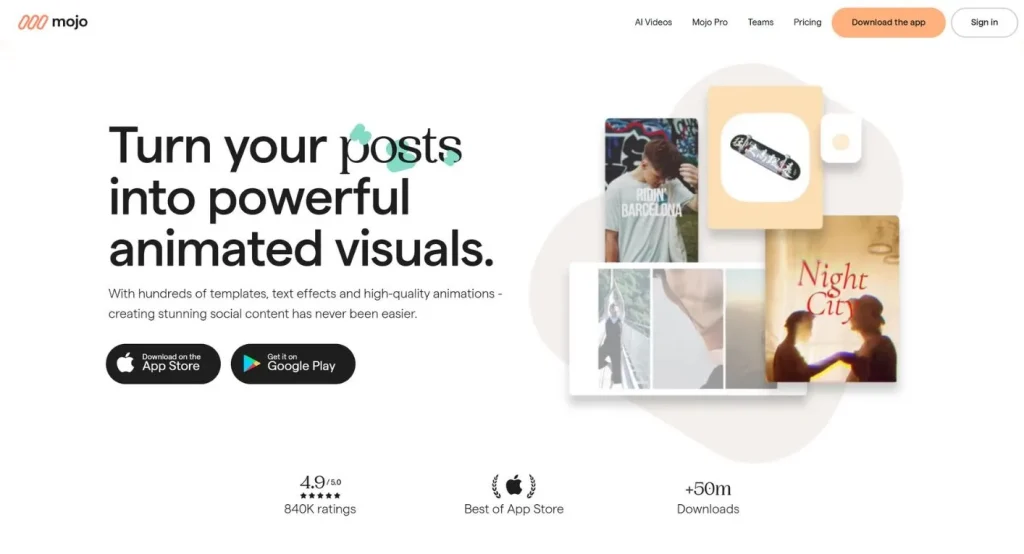
Mojo
Stories should feel human, not polished ads. These apps walk the line perfectly.
Unfold – Sleek, minimalist templates. Lifestyle bloggers love it for good reason.
Mojo – Adds cinematic animation to Stories. Perfect for showing off a new product drop.
StoryArt– Easy templates for people who want Stories to look intentional, not rushed.
Analytics Apps That Tell You the Truth (Even When It Hurts)
Because intuition is nice, but data keeps the lights on.
Later– Schedule, post, repeat. It also hands you engagement insights so you can stop guessing.
Hootsuite– Old-school, reliable, and perfect if you’re juggling multiple accounts.
Iconosquare– Serious analytics. If you want to move past “likes” and track ROI, this one’s for you.
Planning Apps That Save Your Sanity
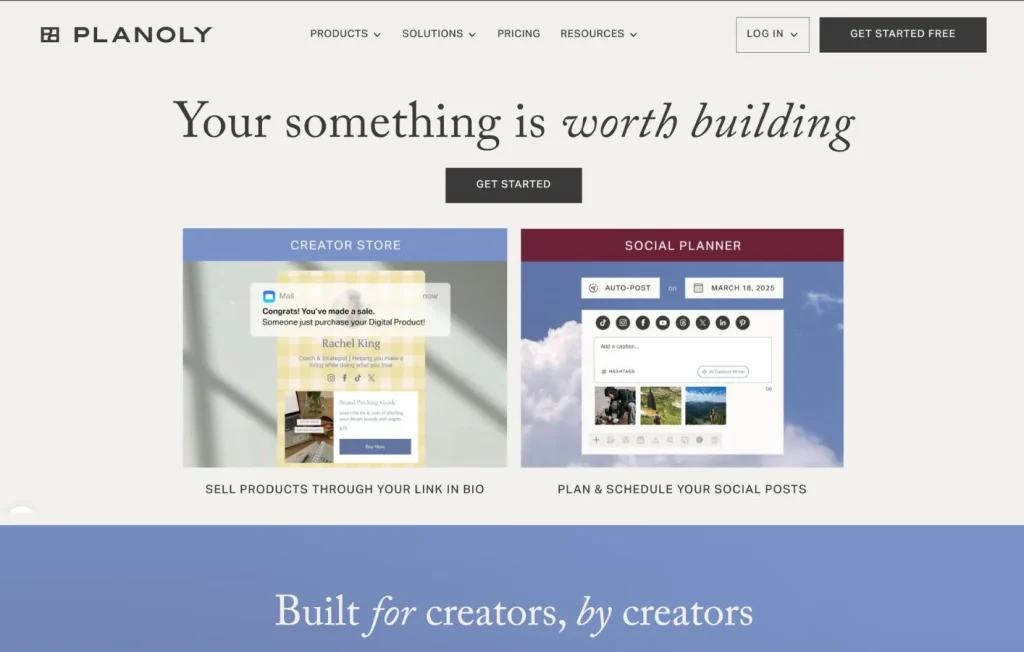
Planoly
The creators who look effortless? They’re planners.
Planoly – Lets you drag and drop posts until your grid looks perfect.
Buffer – A clean, simple scheduler without bells and whistles. Sometimes that’s all you need.
Notion – Not built for Instagram per se, but unbeatable as a content hub. Campaigns, captions, calendars—it keeps it all straight.
Creative Instagram Apps That Add the Spark
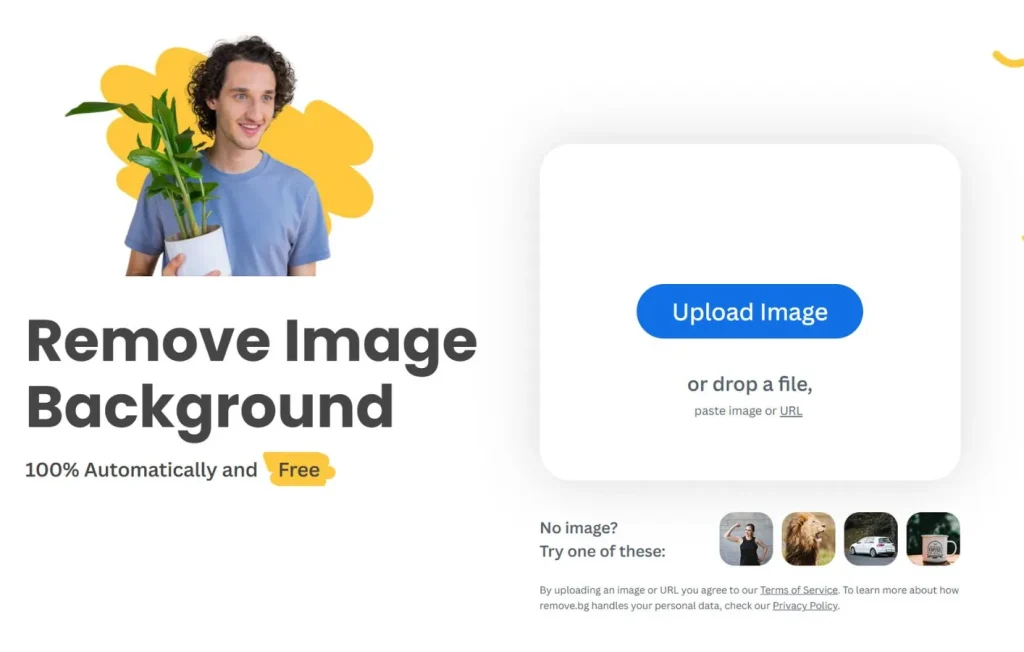
remove.bg
These are the “extra credit” apps—the small things that make people stop scrolling.
Remove.bg – Zap away any background in seconds. Perfect for product shots.
Motionleap – Animates still photos so they feel alive. A bit of eye candy that actually works.
Hype-Type – Animated text overlays. Suddenly, your captions aren’t just words, they’re part of the design.
Reface – Playful face-swap memes. Not for everyone, but when used wisely, they stick.
So, Where Do You Begin?
You’ve got three options, really.
Start with design-first apps like Canva if visuals are your weak spot.
Double down on video-first apps like CapCut if you want Reels to do the heavy lifting.
Or lean into analytics-first apps like Iconosquare if growth is your main game.
Different paths, same goal: make your content too good to ignore.
The Invisible System Behind Instagram Growth
Instagram isn’t one thing. It’s four.
Your grid is the portfolio.
Stories are the conversation.
Reels? They’re your open mic night for strangers.
And DMs? That’s where the deals happen.
Each of the apps above is really designed to tackle one of those layers. Stack them together and you’re not just posting—you’re building a system.
About Social Proof
Here’s the part most people tiptoe around. Growth isn’t only about content—it’s about perception. A strong following signals trust, and trust gets amplified by the algorithm. Services like BuyRealFollows fit here—not as some magic shortcut, but as a way of leveling the playing field in a crowded feed. Use wisely, not blindly.
Final Note
Good content on Instagram has one job: to be believed. These apps won’t make you a storyteller overnight, but they’ll free you up to focus on the thing that actually matters—consistency.
The real system is simple: tools cut friction, Stories build intimacy, social proof earns authority. Get that right and your content doesn’t just look better. It works.
Frequently Asked Questions
What types of Instagram apps do content creators need?
Content creators typically need apps across four core categories: photo and video editing (Lightroom, VSCO, CapCut), grid planning and scheduling (Planoly, Later, Preview), analytics and audience insights (Iconosquare, Metricool), and design and graphics (Canva, Adobe Express). Most creators combine two or three apps from different categories rather than relying on a single all-in-one solution.
Is Canva good for Instagram content?
Yes. Canva is one of the most widely used design tools for Instagram content because it offers pre-sized templates for feed posts, Stories, Reels covers, and carousels. The free tier is sufficient for most creators, while Canva Pro adds brand kits, background removal, and a content scheduler. It is particularly strong for graphic-heavy content, quote posts, and branded templates.
What is the best free app for editing Instagram photos?
Snapseed and Lightroom Mobile are the strongest free options for Instagram photo editing. Snapseed offers advanced tools like selective adjustments, healing, and perspective correction at no cost. Lightroom Mobile’s free tier includes powerful color grading, preset import, and RAW file support. VSCO is also popular for its film-style presets, though its best features sit behind a subscription.
Do Instagram scheduling apps hurt reach or engagement?
No. Instagram confirmed that using official third-party scheduling tools (those that post via the Meta API) does not reduce reach or trigger algorithmic penalties. Tools like Later, Buffer, and Meta Business Suite are all API-compliant. The only scheduling method Instagram discourages is auto-posting via unofficial bots that simulate human interaction.
What app do Instagram influencers use to plan their grid?
Preview and Planoly are the most popular grid-planning apps among Instagram influencers. Both let you drag and drop upcoming posts to visualize how your feed will look before anything goes live. Preview also includes analytics and hashtag group management. UNUM and Unfold are strong alternatives that combine grid planning with Story design tools.
Are there Instagram apps that help with hashtag research?
Yes. Flick is one of the most widely used dedicated hashtag research tools, offering search volume estimates, competition levels, and personalized hashtag suggestions based on your niche. Metricool and Later both include hashtag analytics within their broader scheduling platforms. The Instagram app itself also shows related hashtags when you search, though third-party tools are more useful for finding the right hashtag mix.
What Instagram analytics app gives the most detailed data?
Iconosquare and Metricool are considered the most detailed third-party analytics platforms for Instagram. Both track follower growth, reach, impressions, engagement rate, best posting times, and story performance at a level beyond what Instagram’s native Insights provides. Sprout Social and Hootsuite Analytics offer even deeper data but are priced for teams and agencies rather than individual creators.
Can I use Instagram apps on both iOS and Android?
Most major Instagram apps support both iOS and Android. Lightroom Mobile, Canva, Later, Buffer, Planoly, Metricool, and CapCut are all available on both platforms. A small number of editing apps are iOS-only – VSCO and A Color Story are available on Android but have historically been more polished on iOS.
Is there an app that combines Instagram scheduling and analytics in one place?
Yes. Later, Metricool, and Buffer all combine scheduling with built-in analytics in a single platform. Later is particularly popular for its visual grid preview and link-in-bio tool alongside its scheduling calendar. Metricool stands out for cross-platform scheduling (Instagram, TikTok, Facebook, LinkedIn, and more) with unified analytics across all connected accounts.
What Instagram apps are best for Reels specifically?
CapCut is the most widely used Reels editing app – it is free, has built-in trending templates, text effects, and auto-captioning, and exports in formats optimized for Reels. InShot is a strong alternative with a simpler interface. For music discovery, the Instagram Reels audio library and Epidemic Sound (for royalty-free licensed music) are the two most-used audio sources for creators who publish beyond Instagram.
Verified Author
Written by
Mark A . Johnson
Mark A. Johnson is a social media growth strategist and content lead at BuyRealFollows.com. With over a decade of experience in platform research and digital marketing, he helps brands and creators build real audiences on Instagram, YouTube, TikTok, Facebook, and Spotify. His work focuses on algorithm analysis, engagement mechanics, and social proof strategy. Mark writes practical, research-backed guides to help readers grow their presence with confidence.
WHAT YOU'LL LEARN IN THIS GUIDEWhat separates a safe TikTok follower provider from one that risks your accountThe five criteria every reliable TikTok follower site must meet in 2026How BuyRealFollows,…
WHAT YOU'LL LEARN IN THIS GUIDEWhy your Facebook page has no engagement and what the algorithm actually prioritizes in 2026The four specific signals Facebook uses to decide which posts to…
WHAT YOU'LL LEARN IN THIS GUIDEWhy most bought TikTok views drop or disappear within days and what causes itThe specific signals TikTok uses to validate views as real versus artificialWhat…
WHAT YOU'LL LEARN IN THIS GUIDEThe real differences between Twicsy and BuyRealFollows across follower quality, pricing, and platform coverageHow Twicsy's three-tier follower system (High-quality, Active, VIP) compares to BuyRealFollows' approachWhich…
WHAT YOU'LL LEARN IN THIS GUIDEWhat SocialWick is and how it differs from BuyRealFollows in platform scope and pricingSocialWick's 15+ platform catalog versus BuyRealFollows' focused 5-platform modelA verified pricing comparison…